Extract installed applications, install Split APK bundles (.apks, .xapk, .apkm), convert split packages into standalone APKs, inspect packages, and back up apps in seconds. Fast, secure, and zero root needed.

Material 3
Everything you need to extract, install, inspect, and organize Android application packages in one clean, privacy-respecting tool.
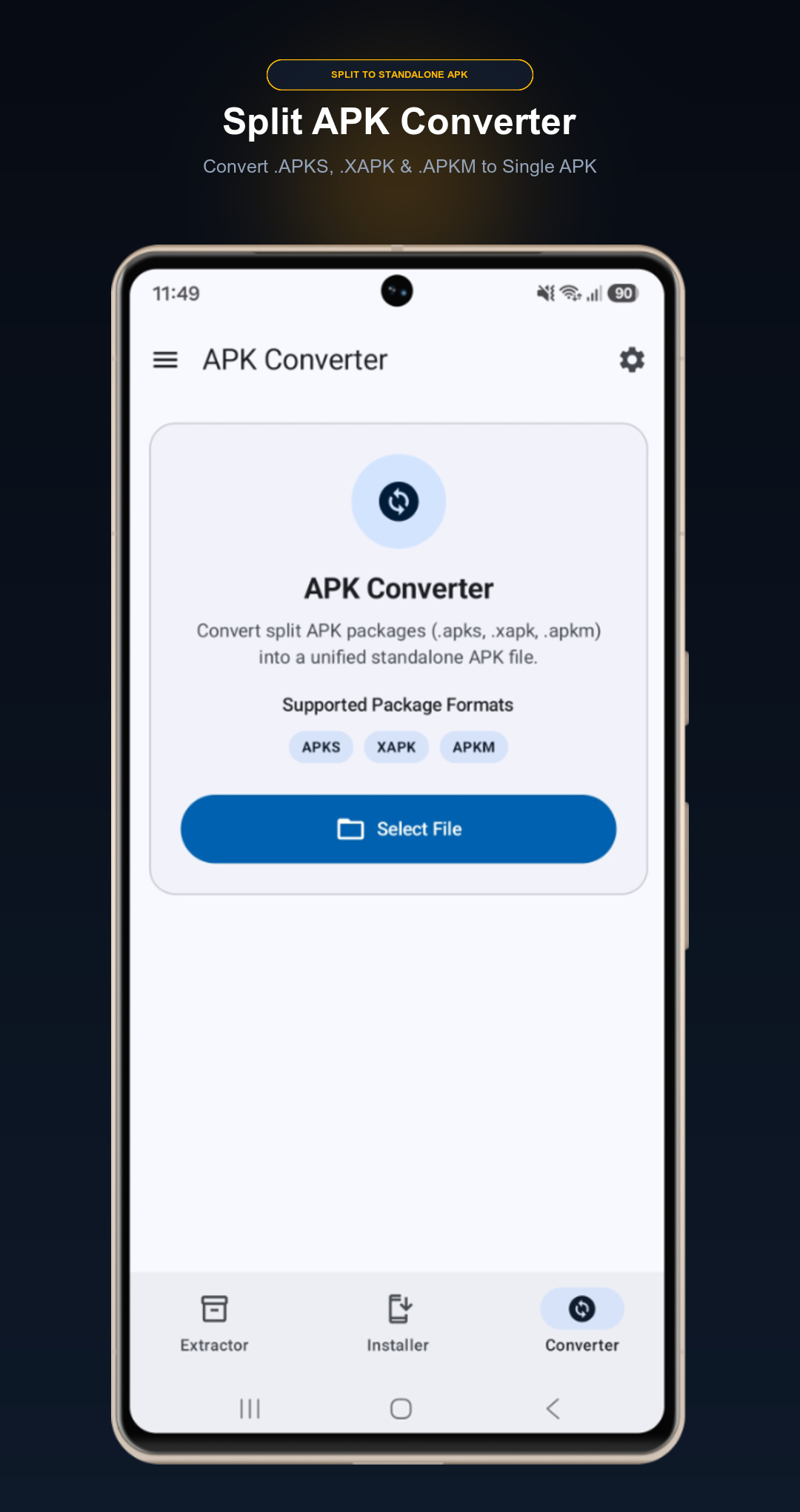
Merge split package bundles (.apks, .xapk, .apkm) into a single, unified standard .apk file.
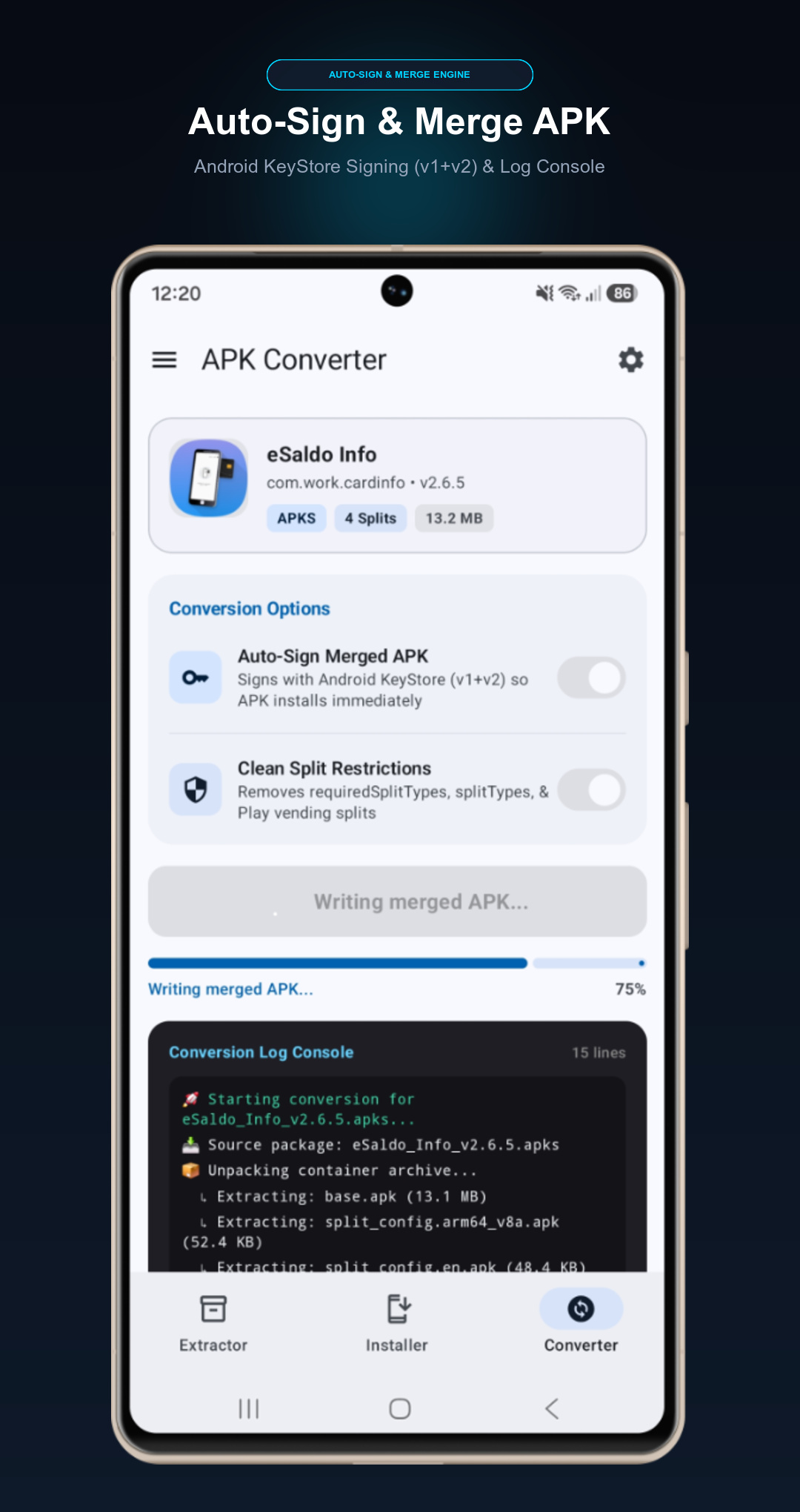
Automatically merges DEX code, resources, assets, cleans dynamic split restrictions, and signs the output with
on-device Android KeyStore (v1+v2) so you can install and share it with 1-click.
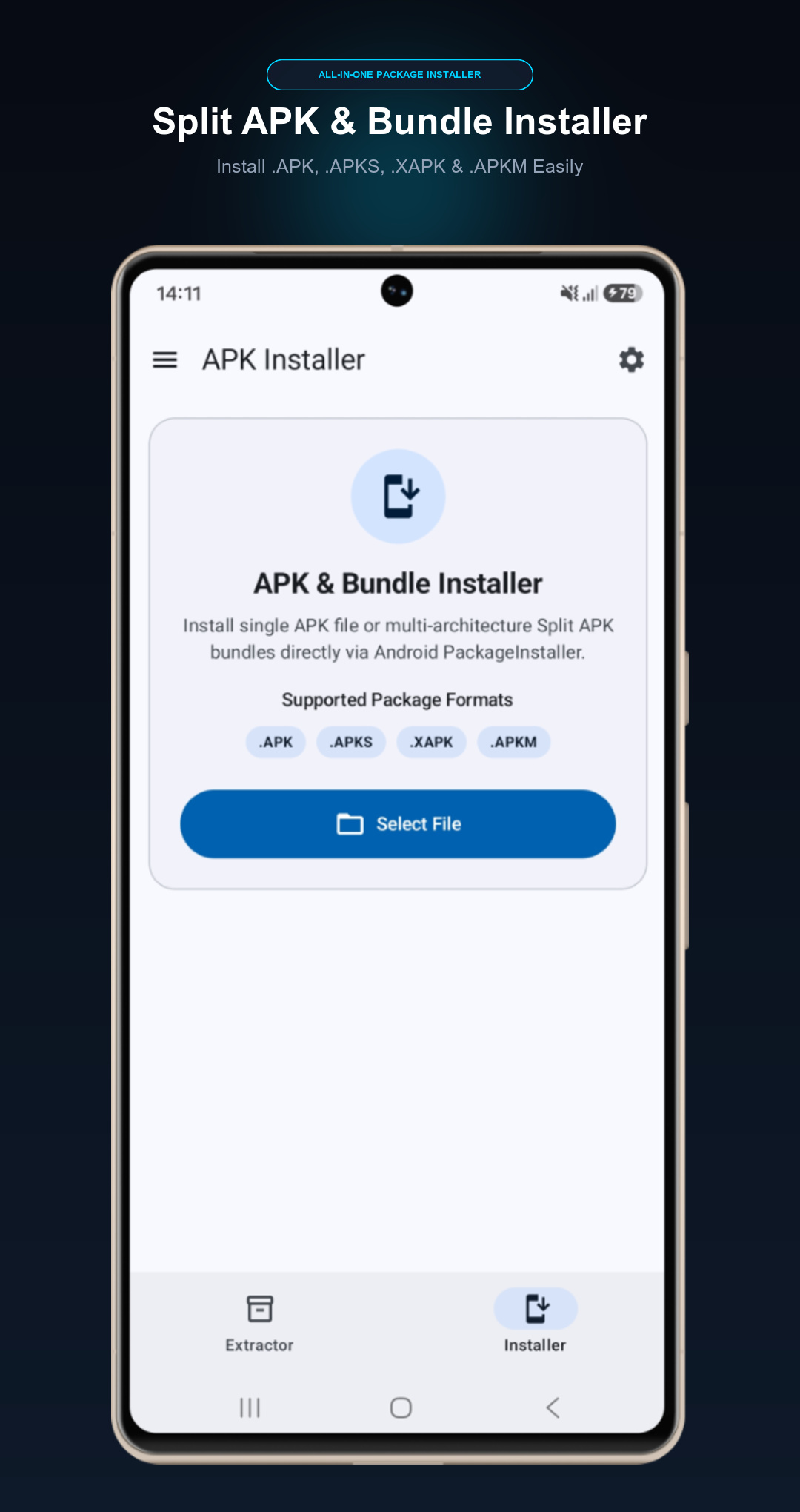
Seamlessly install split packages (.apks, .xapk, .apkm) using Android's native PackageInstaller
session API. Auto-extracts game OBB data to ensure large games run right out of the box.
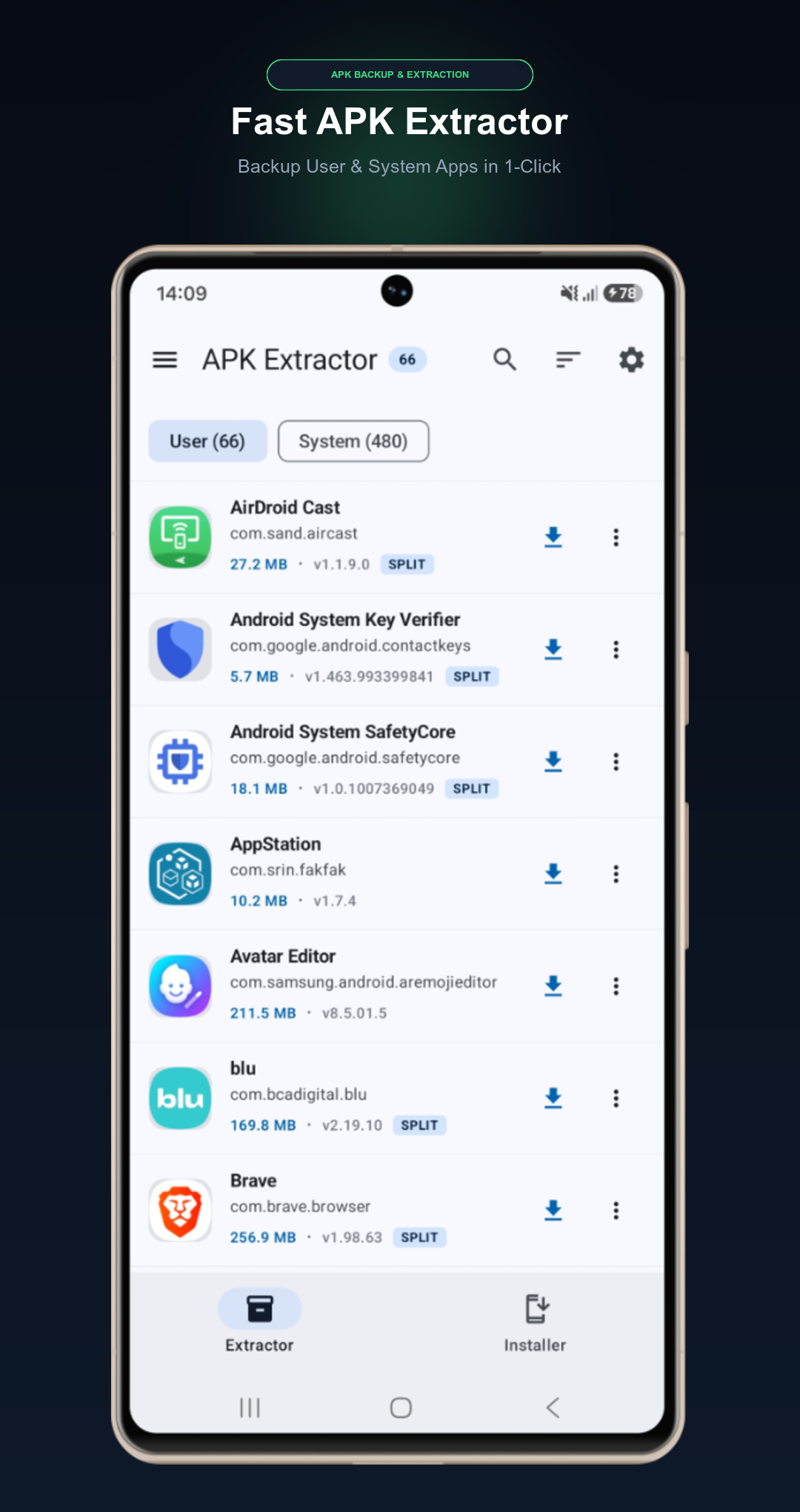
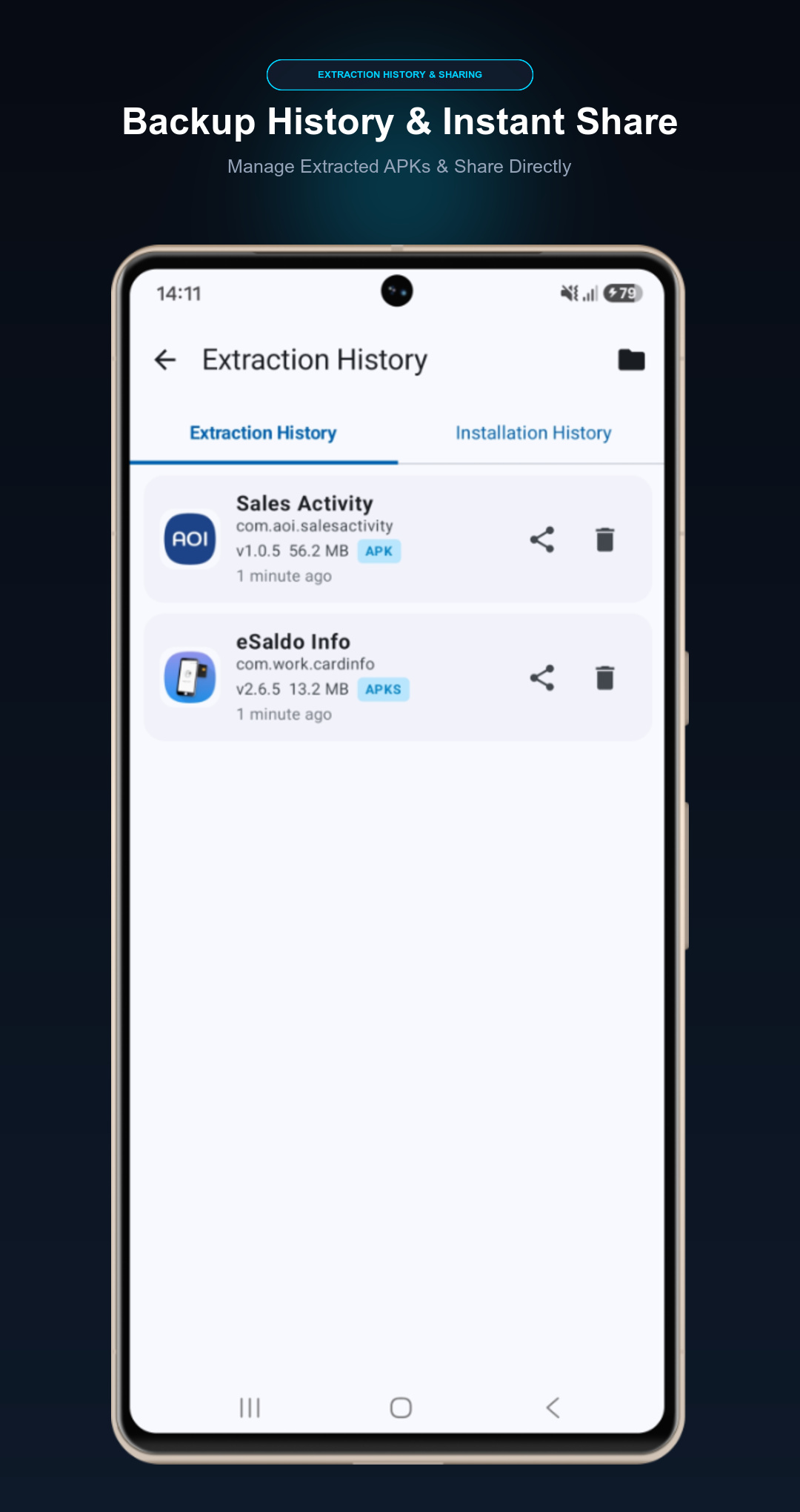
Backup your installed user and system apps to clean APK or combined APKS bundles. Select multiple apps at once with batch extraction and export them directly to your storage.
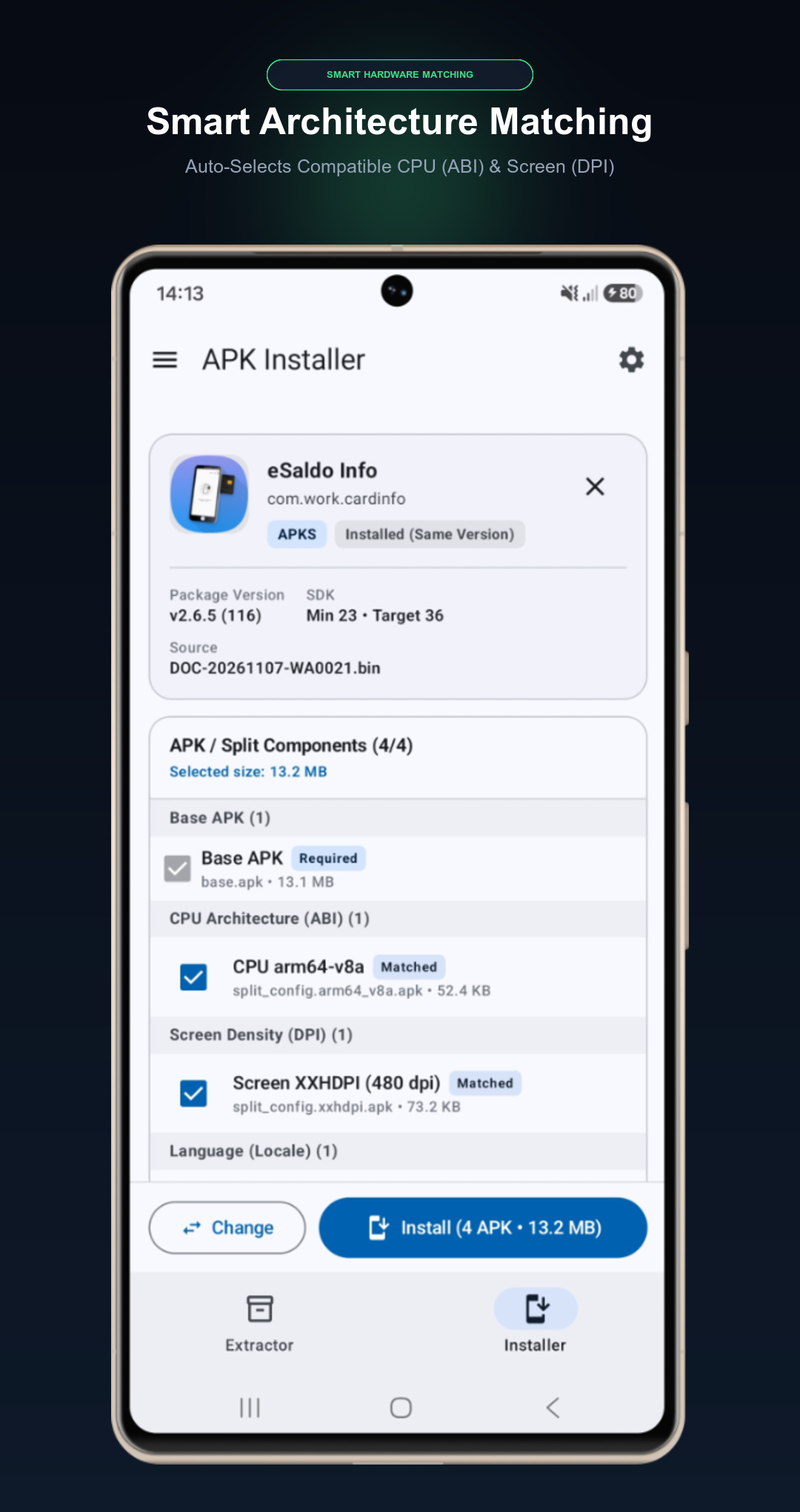
No more installation errors or architecture mismatches. The app automatically detects your device's CPU architecture (ABI), screen density (DPI), and language configuration to install compatible splits.
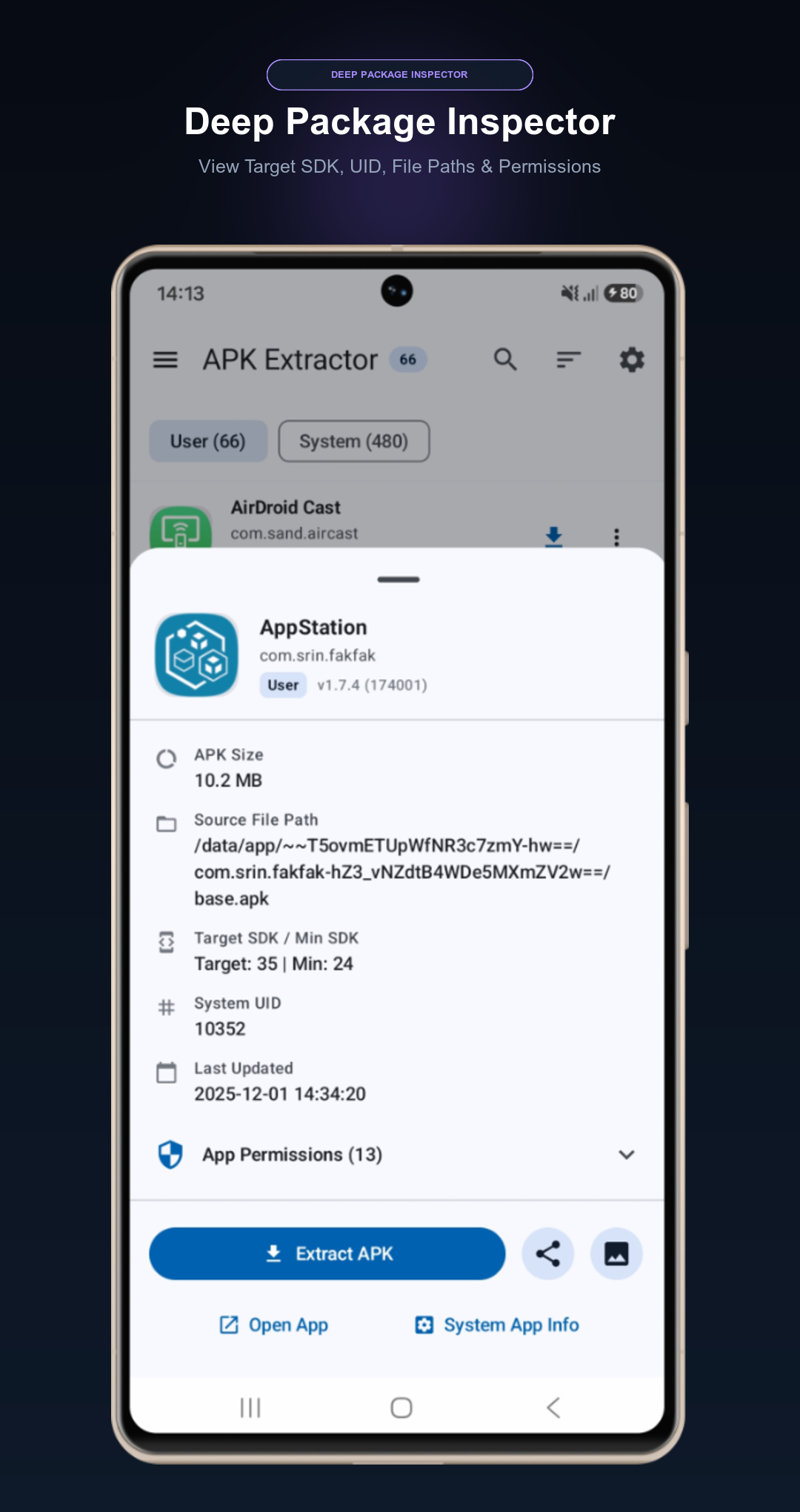
Inspect target SDK, minimum SDK, version code, app permissions, signing certificates, and detailed split configurations before you extract or install.
Keep your backup library clean and structured. Customize output filenames using flexible placeholders such
as {appName}, {packageName}, {versionName}, and
{versionCode}.
Works out of the box on standard non-rooted devices. By utilizing Android's secure PackageInstaller framework, your system integrity and security remain fully intact.
Fast, intuitive, and designed to save you time.
Browse installed applications with instant search and filter options, or pick an APK/bundle file from your file manager.
View package details, split configurations, and matching CPU/display splits. Customize the target output name if extracting.
Execute fast batch backup to device storage, install multi-split bundles directly, or convert split packages into unified .APK files.
Xor APK Manager processes all package operations locally on your device. We do not transmit your installed application list, personal files, or extracted packages to any external server.
Supports modern Android App Bundles (AAB) and all third-party split formats.
Standard standalone Android application packages.
Standard Split APK Archive containing base and config splits.
Extended format supporting split packages + game OBB asset data.
APKMirror Split Bundle format with manifest parsing.
Seamlessly convert and merge complex .APKS, .XAPK, and .APKM bundles into a single standard .APK file. Includes automated DEX/resource merging and Android KeyStore (v1+v2) dual signing so it installs on any device without errors.
Explore the powerful features of Xor APK Manager on modern Android devices.
Everything you need to know about Xor APK Manager.
No! Xor APK Manager works 100% without root. Both APK extraction and Split APK installation utilize
official Android platform APIs (including PackageInstaller sessions) supported from Android
7.0 (Nougat) through Android 15+.
Google Play delivers apps via Android App Bundles, splitting them into small modular components (base code, language assets, screen resolution assets, and CPU architectures). A standard APK installer cannot install these splits together. Xor APK Manager inspects and installs them simultaneously as a single package.
The built-in APK Converter transforms split package containers (.apks, .xapk, .apkm) into a single standalone standard .apk file. It automatically merges DEX bytecode, resource tables (ARSC), assets, and native libraries while stripping dynamic split restrictions and Play Store verification metadata. Finally, it signs the unified APK on-device using Android KeyStore (v1 and v2 dual signing) so you can install and distribute it just like any regular APK.
Extracted files are saved directly in your device's public Download or documents directory
inside the Xor APK Manager folder, making them easy to access, copy to a PC, or share via
messaging apps.
On Android 11 (API 30) and newer, Android restricts apps from seeing other installed applications. Since the primary core feature of Xor APK Manager is to list, inspect, and back up your installed apps, this permission is strictly required. All package inspection happens locally on your device.
No. We do not collect, store, or sell any personal data or file contents. Any advertising is provided via Google AdMob, which adheres strictly to Google Play developer policies and privacy standards.
Take full control over your Android applications. Backup, install, and manage split packages with ease.